
Social media is an incredibly popular place where a lot of people spend their time.
People can read the news, post their opinions, and of course, post photos.
While many people have traditionally posted untouched photos, it has become more and more popular to edit photos before putting them on social media for the world to see.

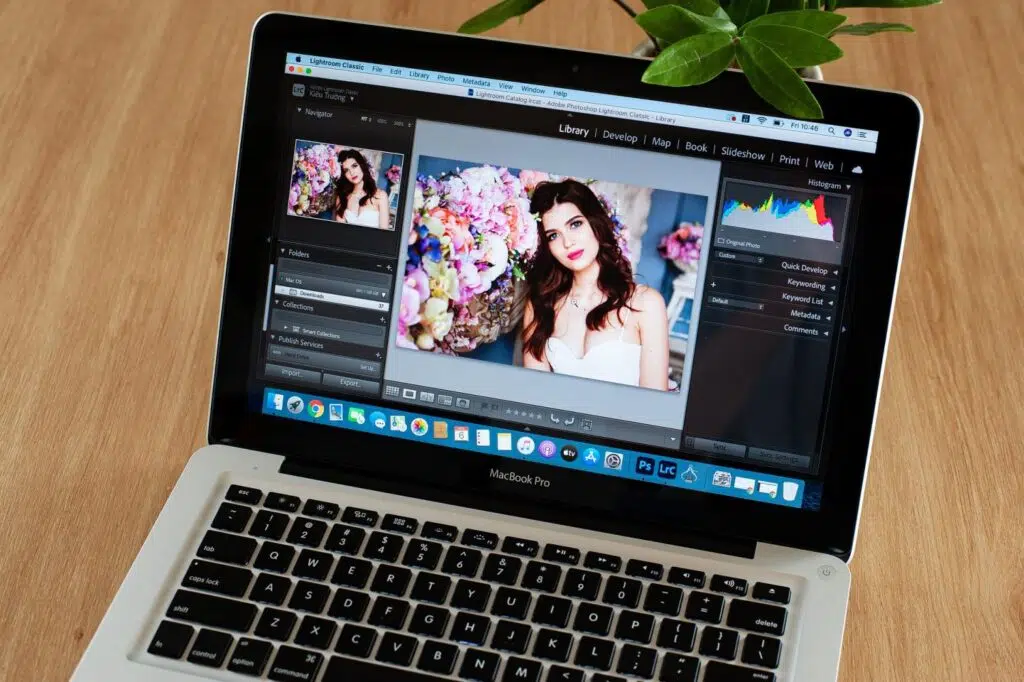
You can learn how to change the background, how to reduce blemishes, how to make a picture more colorful, and do so much more.
The power of editing is truly something special and the opportunities are endless.
But while everyone can edit photos, not everyone can do it well.
With that in mind, this blog post is going to go over some tips to help you edit your social media photos like a pro.
Practice, Practice, and More Practice
The first thing to do if you want to become a pro at editing photos is to simply take time to practice.
No one is instantly a masterful editor, and it takes time to develop skills.
Many of your early edits will look subpar, and you won’t be very happy with the results. But don’t be discouraged, and make sure you keep at it.
Experiment with different tools, and try different types of edits out. Soon enough, you will learn your favorites and be able to develop a bit of your own style.
Over time, you will learn to avoid many of the most common photo editing mistakes and will see your edits improve.
You will better learn how to balance multiple edits, how to do things subtly, and generally make the photos you put out on social media look better.
Less is More
When editing photos, oftentimes less is more. If a photo has a ton of different edits, it can often distract from the actual quality of the photo.


The edits should be done to tastefully improve the look of a photo, without going too far.
For example, if a selfie you have edited has too much done to it, it may look more like a cartoon or a plastic doll than an actual photo.
Generally, stick to a couple small edits to elevate a photo without it looking completely fabricated.
Of course, do what you want and what you think looks good, but many people prefer a subtle edit than one that completely changes how a photo looks.
Finding the right balance can be challenging, but can certainly be done.
Never Edit the Original
Another helpful tip is to ensure you never edit the original photo you took. This is called destructive editing and can be very problematic.
If you make permanent changes to the original, you may lose the memory of what that original looked like.
In editing, a valuable tool is to compare all edited changes to the original, and destructive editing denies you this opportunity.
Instead, make a copy and then make the edits on that duplicate file. This allows you to compare all edits to the original and ensure you are succeeding in editing photos that match up with your vision.
Also, every time you make another major edit, it is a good idea to make another copy.
But remember that once you take a photo and save it, you will not be able to undo any edits that you have made in most cases.
In conclusion, we hope the tips in this blog post are able to help you learn how to edit social media photos like a pro.