
Has your company fully embraced remote working?
While many companies have adopted hybrid approaches, a small portion has done away with the traditional office altogether and equipped their teams to work from home permanently.
Around one in three staff at Natwest Group have become largely remote workers, for example, with employees only required to enter an office for two days a month.
Leaders have learned that large portions of their team can work just as effectively – or even more so – from the comfort of their own residence.
Workers meanwhile have enjoyed greater flexibility and autonomy to the point that many will not accept a return to traditional working practices.

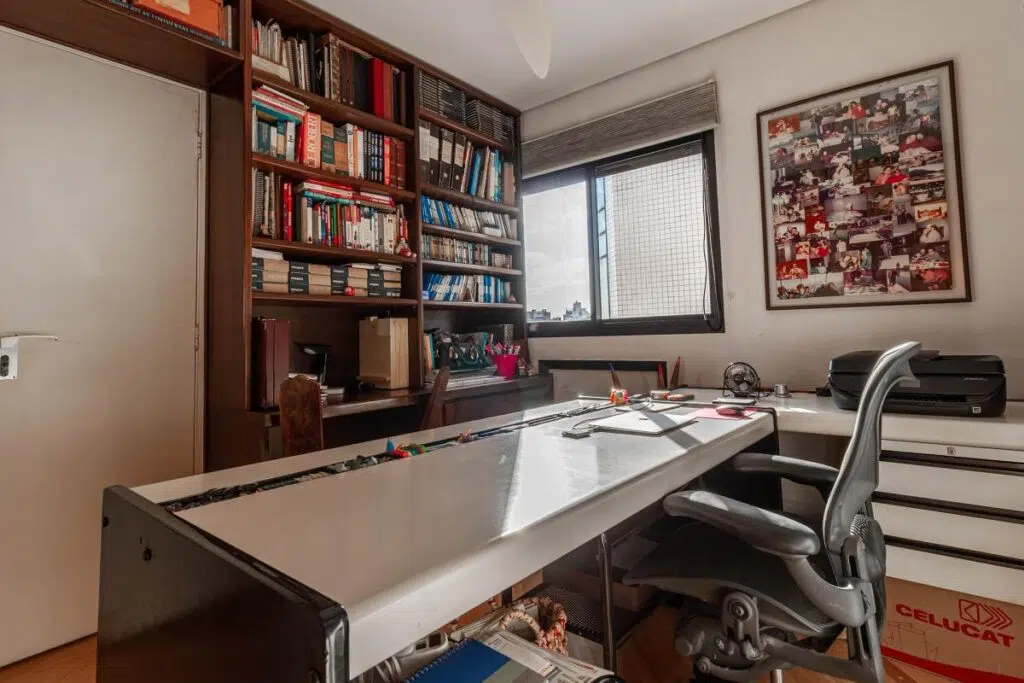
Even if official offices remain in place at reduced capacity to offer employees a choice, the onus is switching to optimising home office setups for productivity and wellbeing.
Basic home office essentials
Anyone who has worked from home for an extended period will have quickly learnt the importance of certain office items.
Typical kit lists recommended to the new swathe of home workers over the past 18 months include:
- An ergonomic chair and desk to benefit physical health
- A monitor, external keyboard, and mouse for ease of working
- A headset for video calls
- Strong overhead and task lighting to reduce eye strain
- Appropriate storage for documents, tech, and other items
- Appealing accessories, such as plants and photographs
- Relaxation aids, such as foam rollers, throws, and scent diffusers
All these suggestions are valid, of course – but what if you want to take things up a level in terms of tech?
- Smart home office upgrades
Smart home technology is designed to make our homes more comfortable, efficient, and secure, so it makes sense to ap
ply that thinking to your home office whether you are in the UK or in any other country.
From a security point of view, it’s important to protect your home network for personal and professional reasons. Take steps to:
- Turn off SSID broadcasts to make your network hard to find
- Set up a guest network for visitors
- Install a VPN app and connect to the UK server on your devices to protect your data
You could take security a step further with motion-sensitive cameras and smart door locks that save the need to find and carry keys.
Other smart devices can help you get more done with less effort and enjoy more time with loved ones at the end of the working day.
A smart display will present all your meetings, calendar notes, and reminders at a glance, while smart lighting can adjust to different colour hues based on time of day and mood.
If you’re particular about office temperature, a smart thermostat will keep you comfortable throughout the day while saving energy.
Other options include smart coffee machines, motion-controlled mice, and robot hoovers.
There’s little doubt that home offices will be prominent in the future of work. Could any of these tech upgrades set you up for long-term success?